Welcome
This guide is for students. Shkolla.app shows you your homework, grades, exams, attendance and timetable, and lets you message your teachers and classmates.
Your parents can see the same grades, homework and attendance in their own account.
 Shkolla.app / GuideShkolla.app
Shkolla.app guide
See your homework, grades, timetable and messages in one place.
Guide · For students
See your homework, grades, timetable and messages in one place.
This guide is for students. Shkolla.app shows you your homework, grades, exams, attendance and timetable, and lets you message your teachers and classmates.
Your parents can see the same grades, homework and attendance in their own account.
Shkolla.app runs in your web browser — there is nothing to install. It works on computers, tablets and phones.
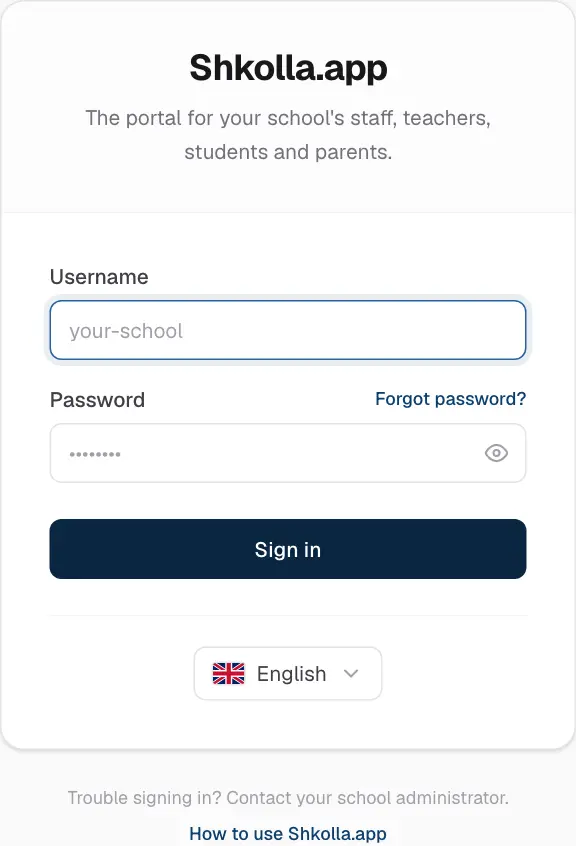
Contact your school office. They can set a new password for you in a moment. For your security, personal accounts can't be reset by email.
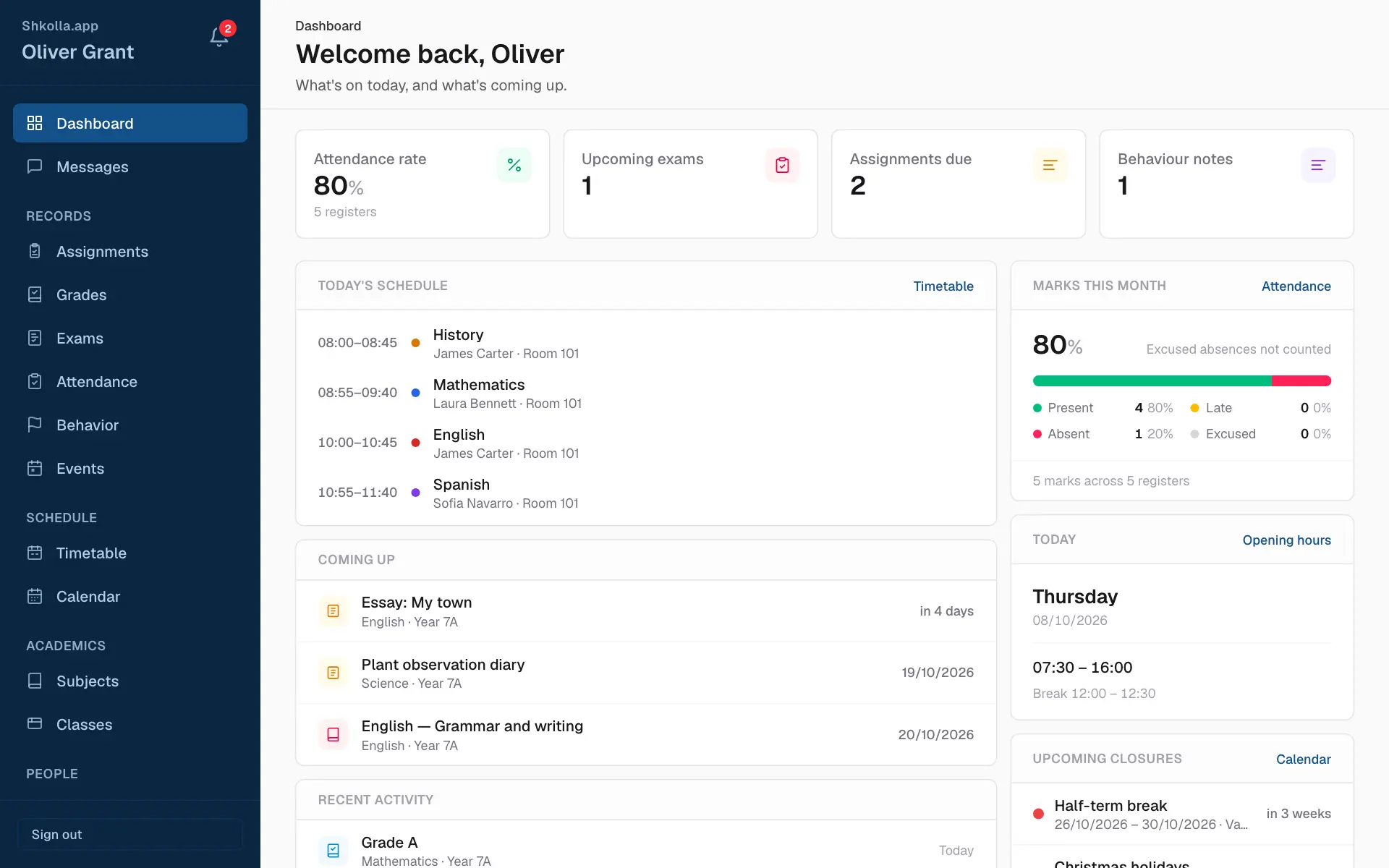
After signing in you land on your Dashboard — a summary made just for you. Everything else is in the sidebar on the left.
You only ever see what you're allowed to see — your own records, your children's or your classes'. Pages you can only read have no add or edit buttons.
On a phone the sidebar folds away. Tap the menu button (☰) at the top left to open it, then tap a page.
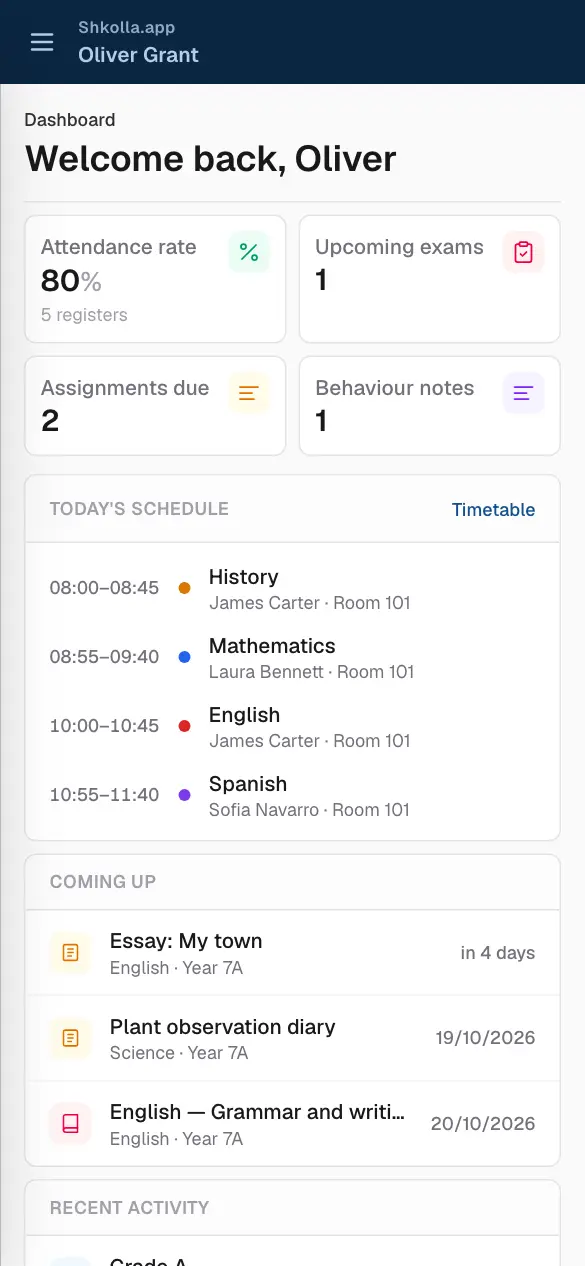
Your dashboard shows your day: today's lessons, your attendance, homework that's due soon, your next exams and school events.
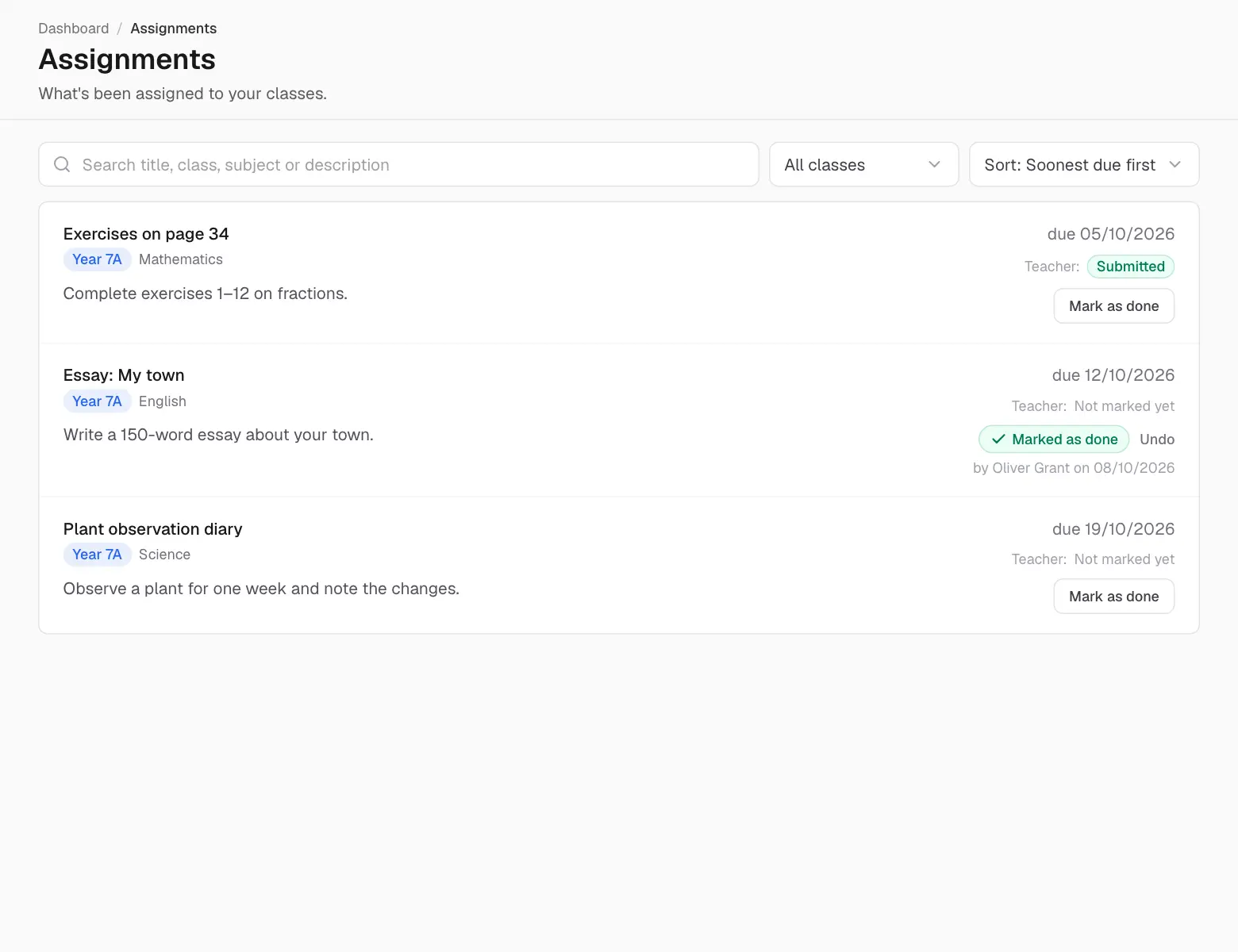
Assignments lists homework and projects with their due dates, soonest first.
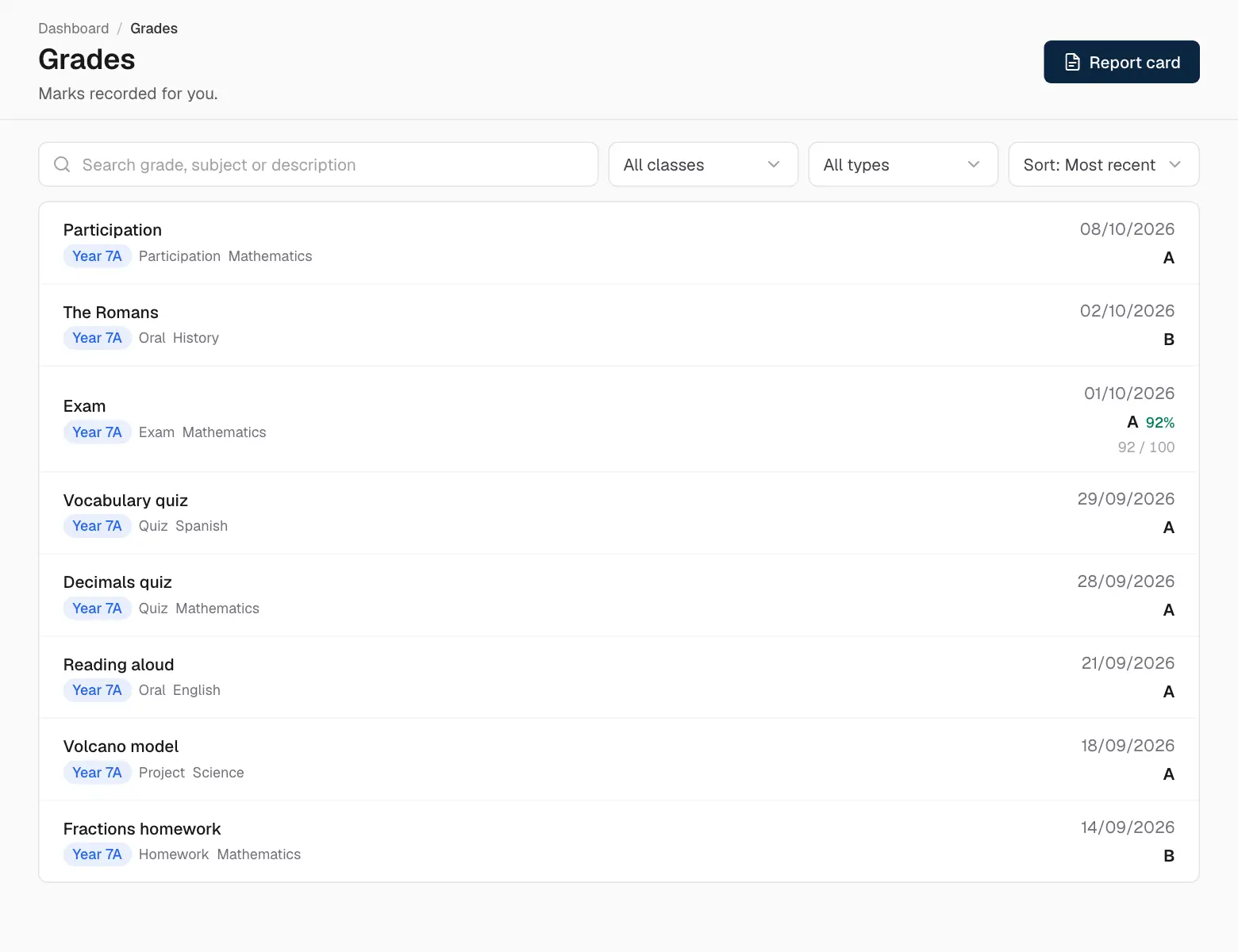
Grades lists every published mark: the type of work, subject, date and grade — with the score and percentage when there is one. Use search and the filters to focus on one class or type.
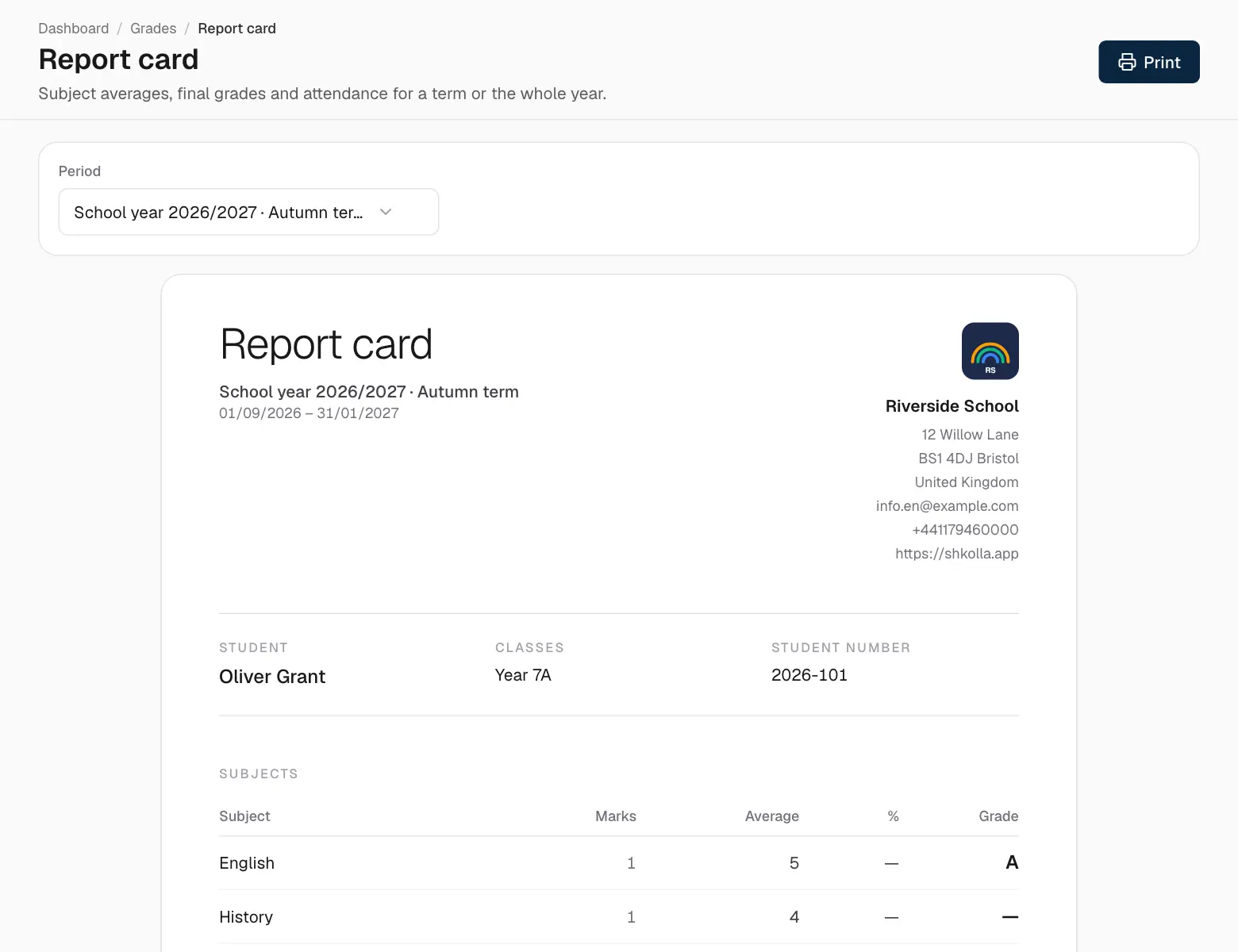
Click Report card on the Grades page to see the averages per subject, the final grades and attendance for a term or the whole year. Click Print to print it or save it as a PDF.
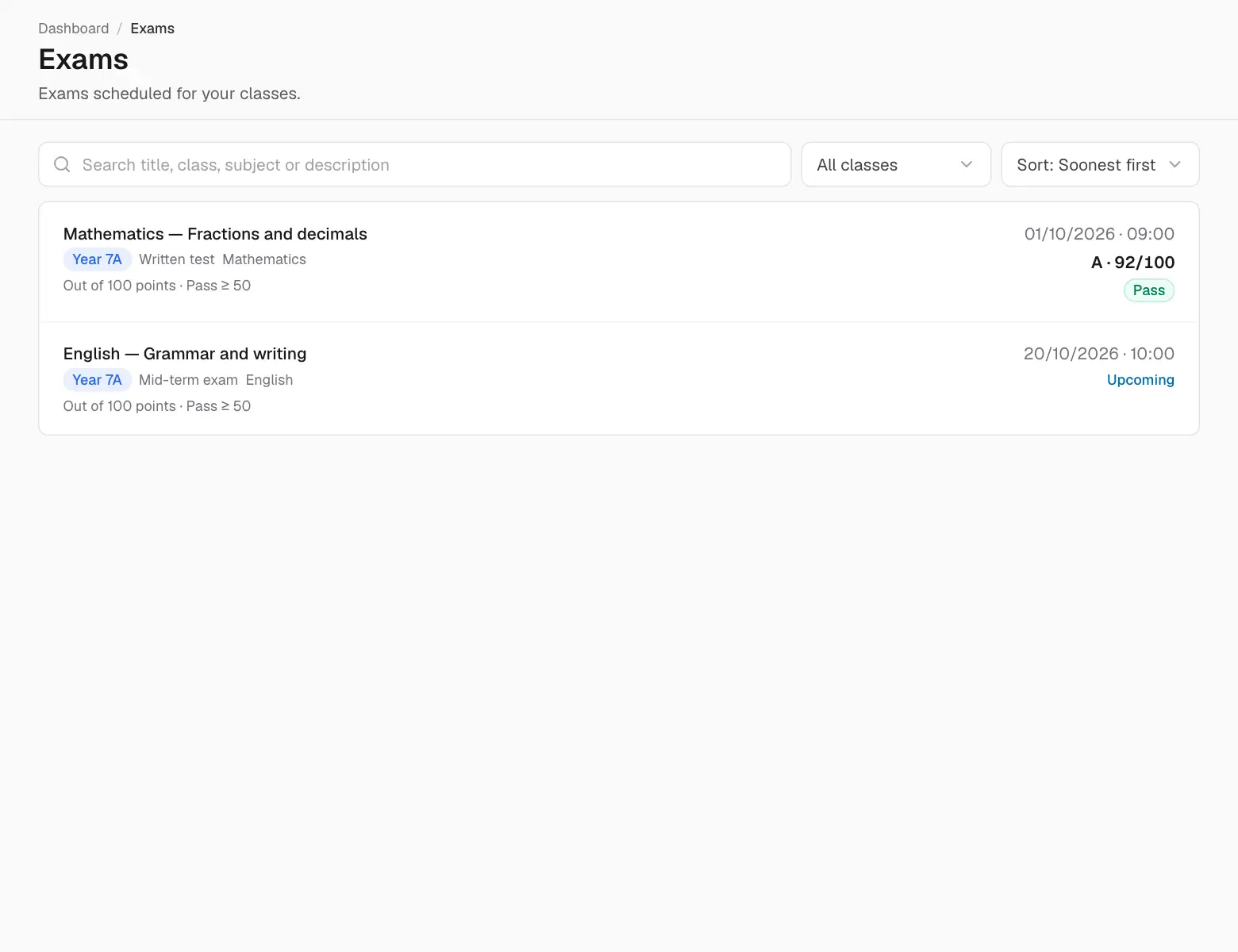
Exams shows upcoming exams with date, time and subject, and past exams with their results. Results appear once the teacher releases them, coloured green for a pass and red for a fail.
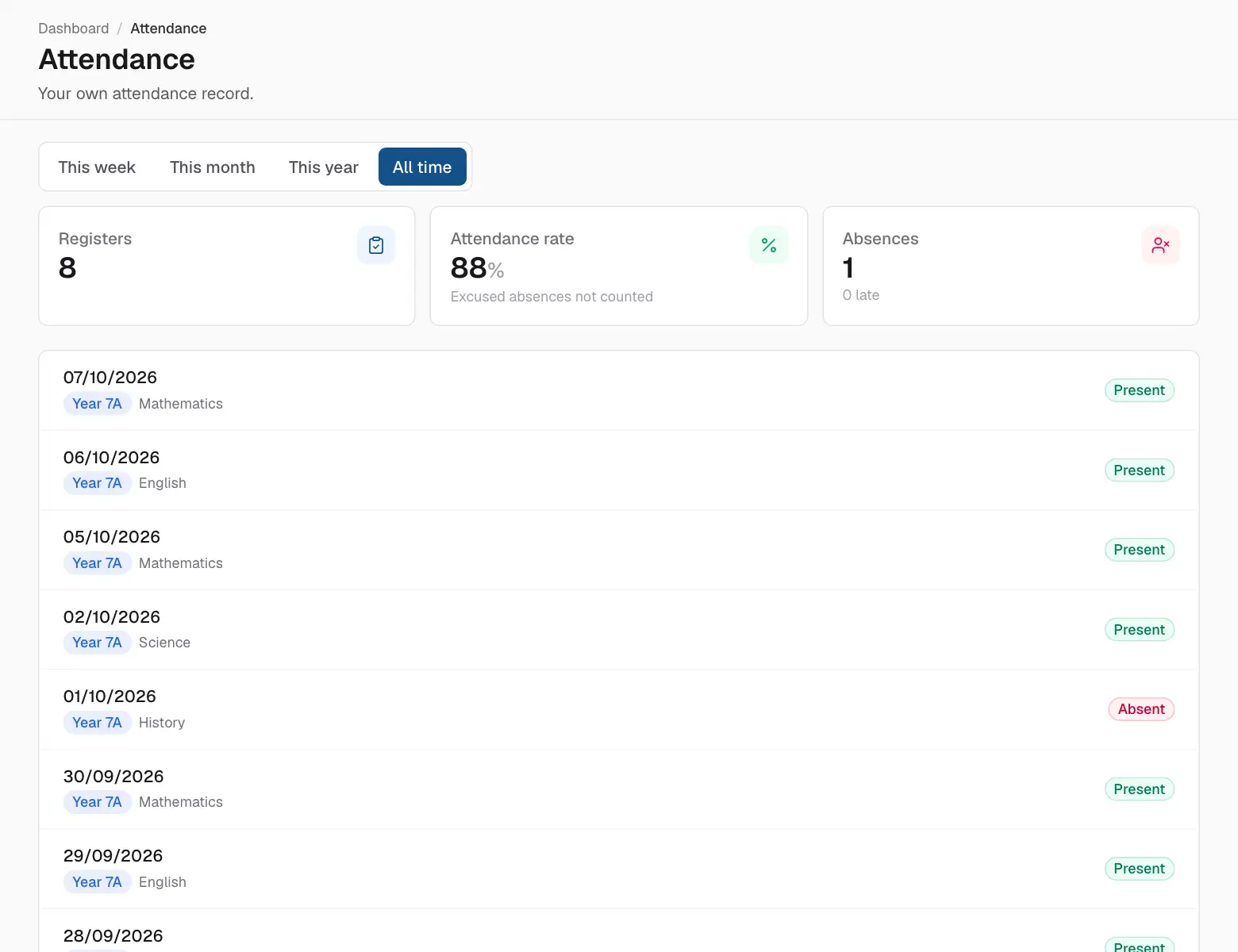
Attendance shows every register: present, late (with how many minutes), absent or excused, with totals at the top.
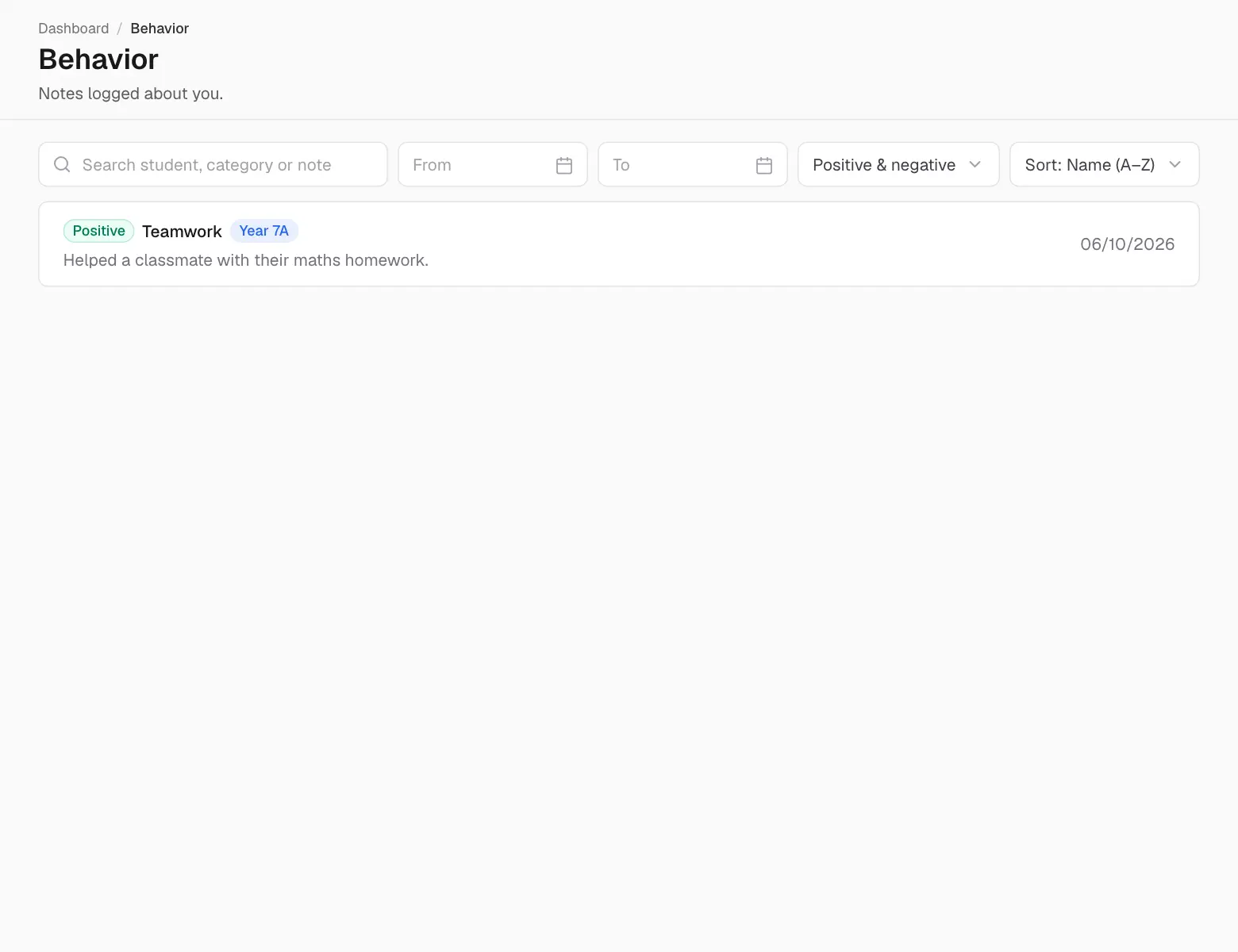
Behavior shows the positive and negative notes teachers have written, with the date and who wrote them.
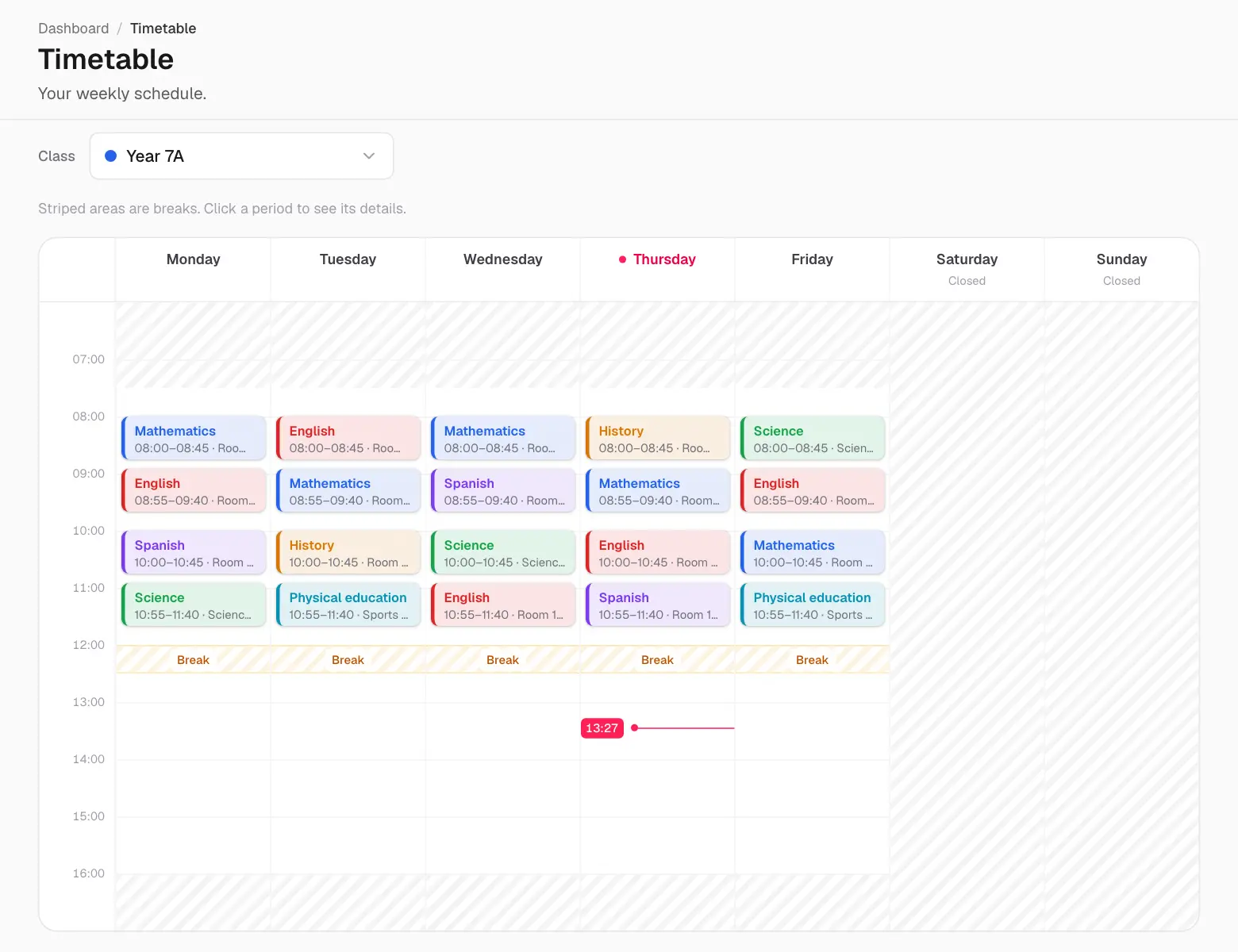
Timetable shows your week: a teacher's own lessons, or a student's class lessons, with subject, teacher, room and time. Today is highlighted and a line marks the current time.
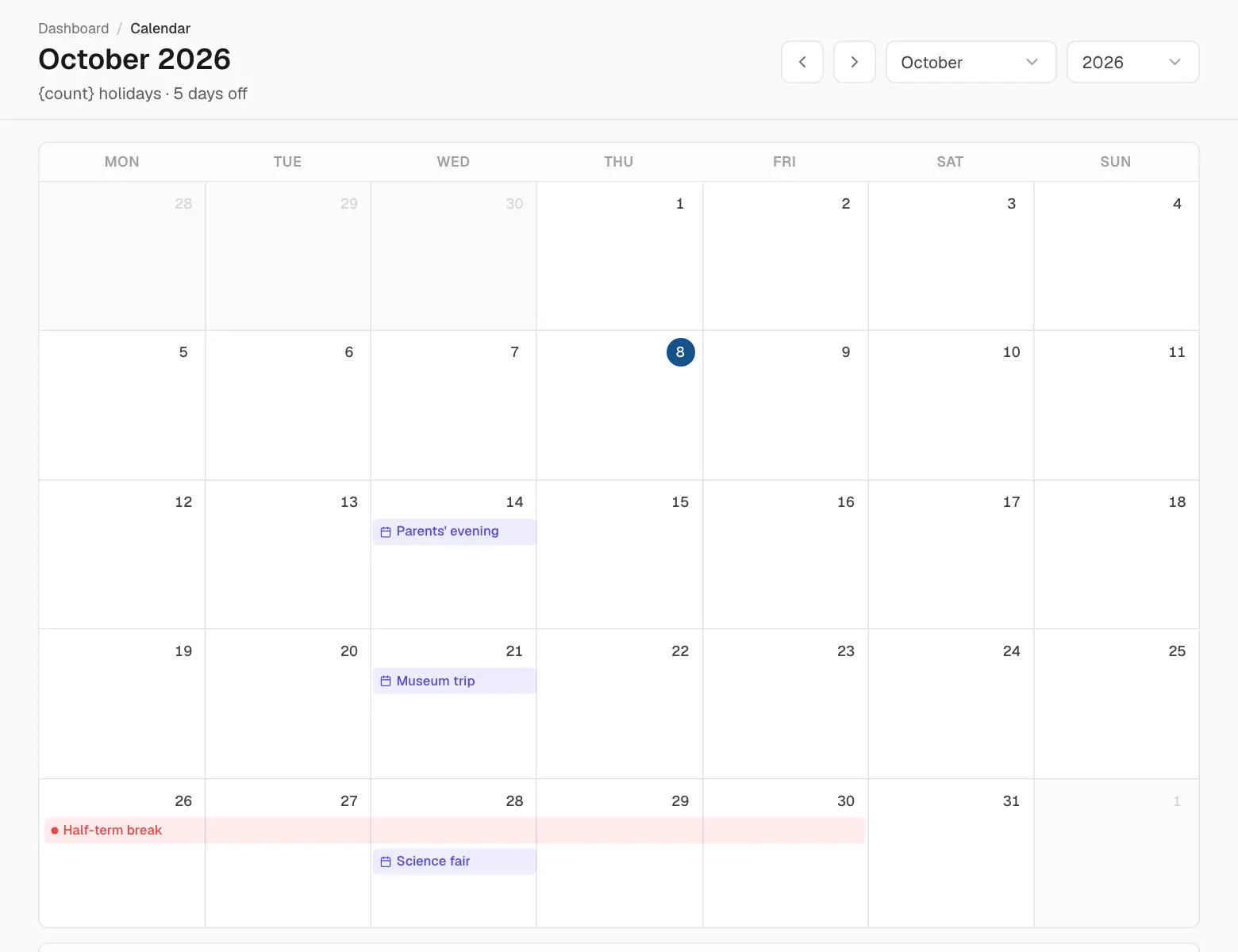
Calendar shows the whole month at a glance: holidays, school events and, for those who manage leave, who is away. Use the arrows to change month and click an entry for its details.
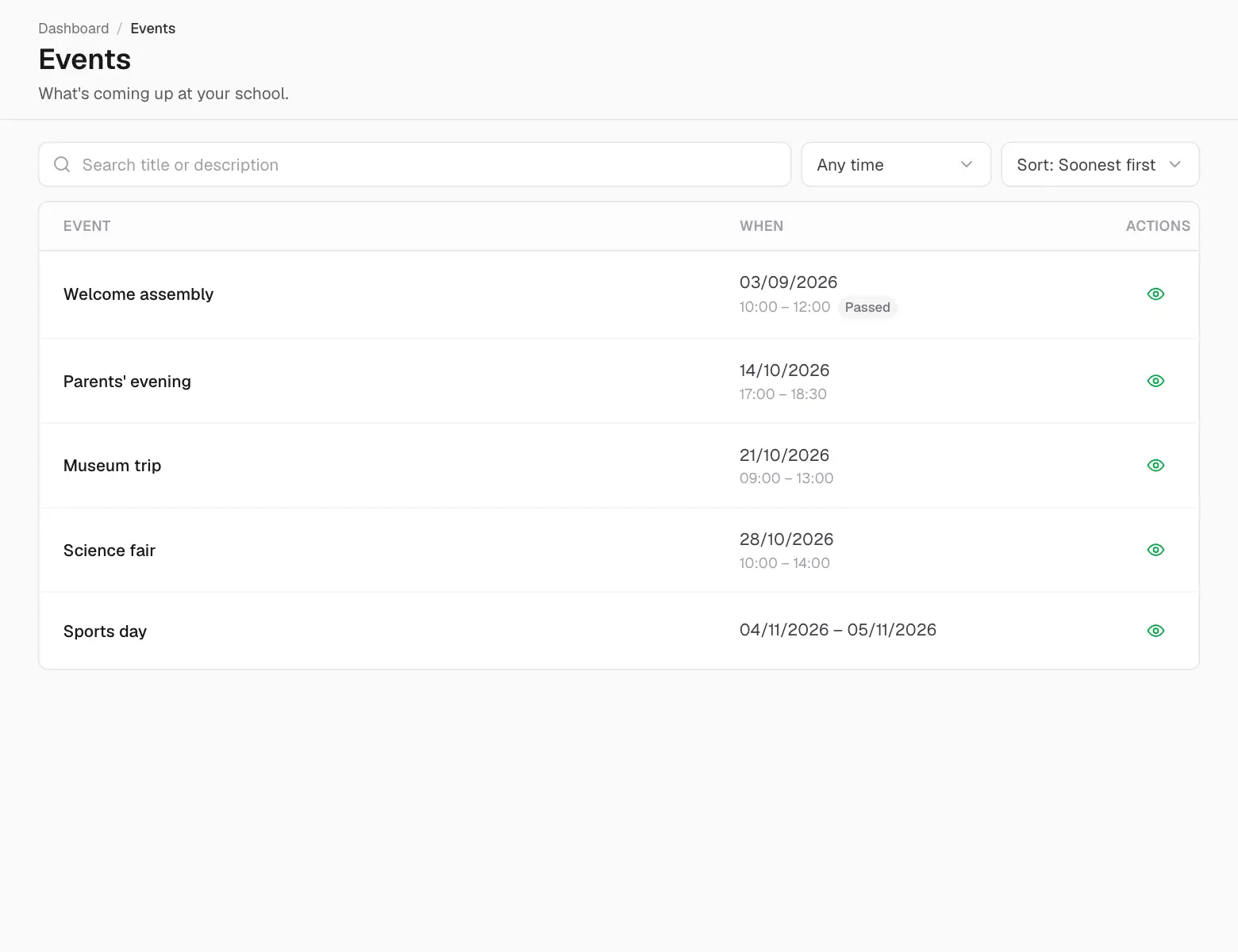
Events lists what's happening at school — parents' evenings, trips, sports days — with dates and times. New events also arrive as a notification.
Holidays lists the days the school is closed, and Opening hours when it's open each day. Holidays also appear on the calendar.
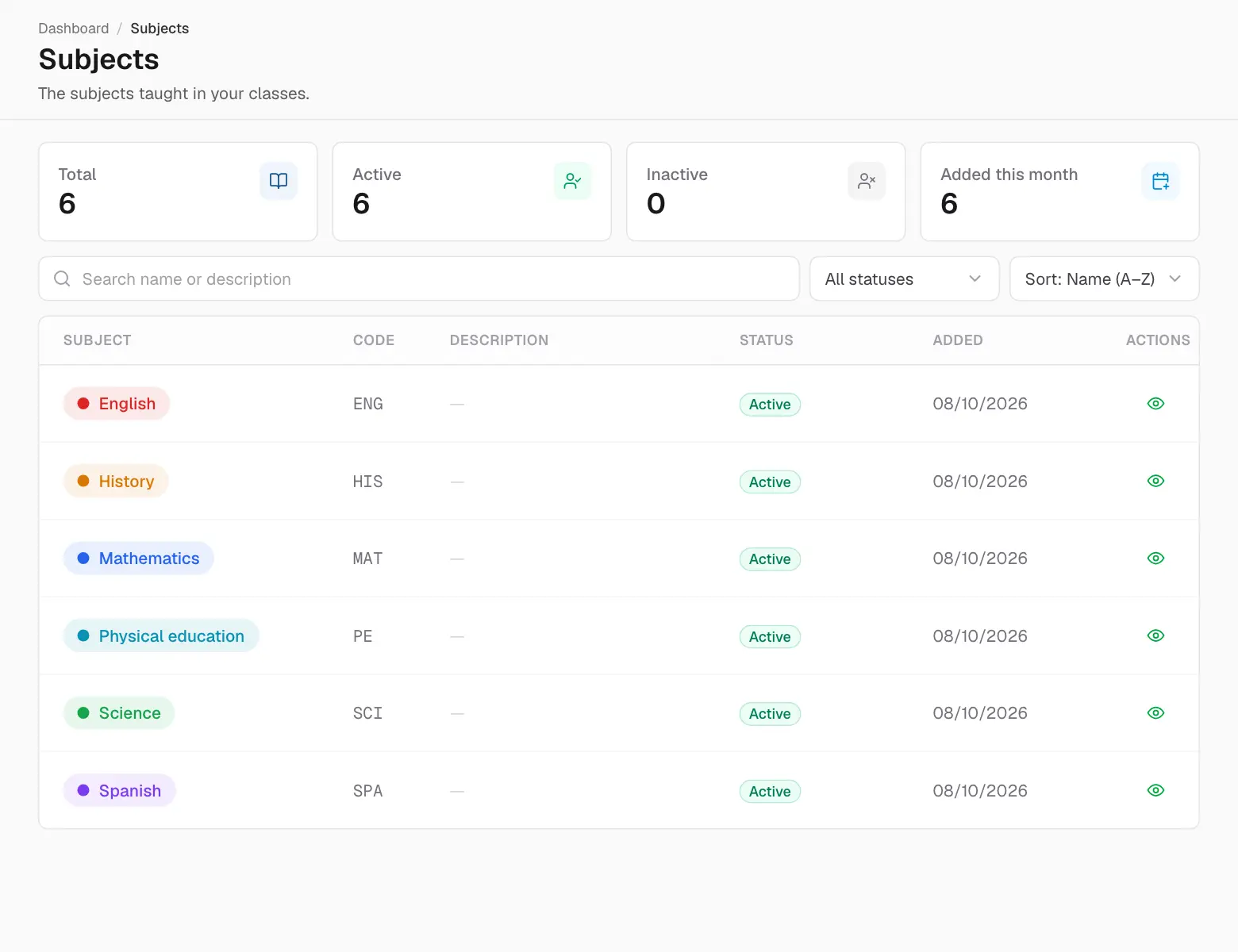
Subjects lists the subjects of your classes, and Classes your classes with their teachers.
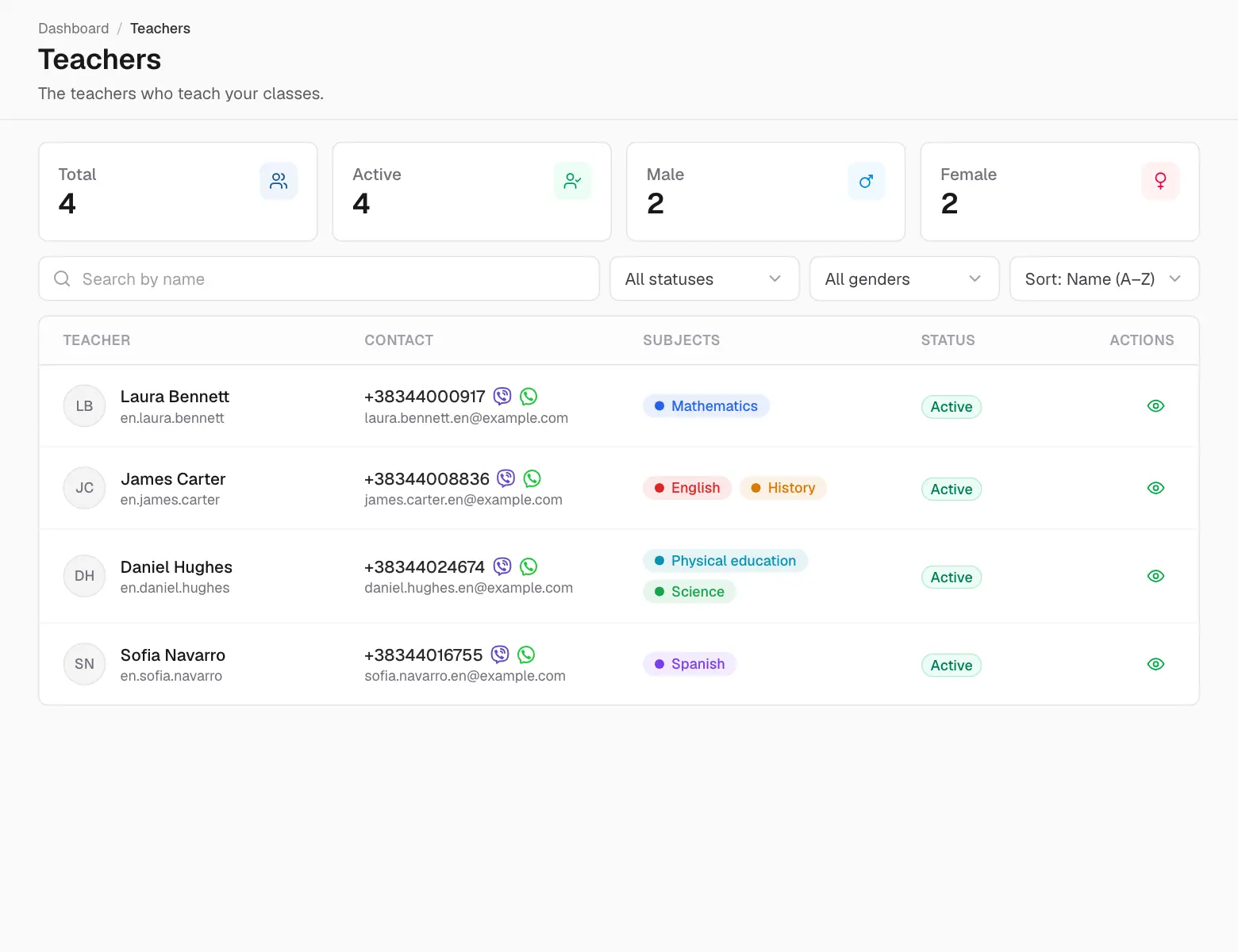
Under People you'll find your teachers — for parents, your children's teachers — and the school's staff, with contact details. Click the eye icon to see more.
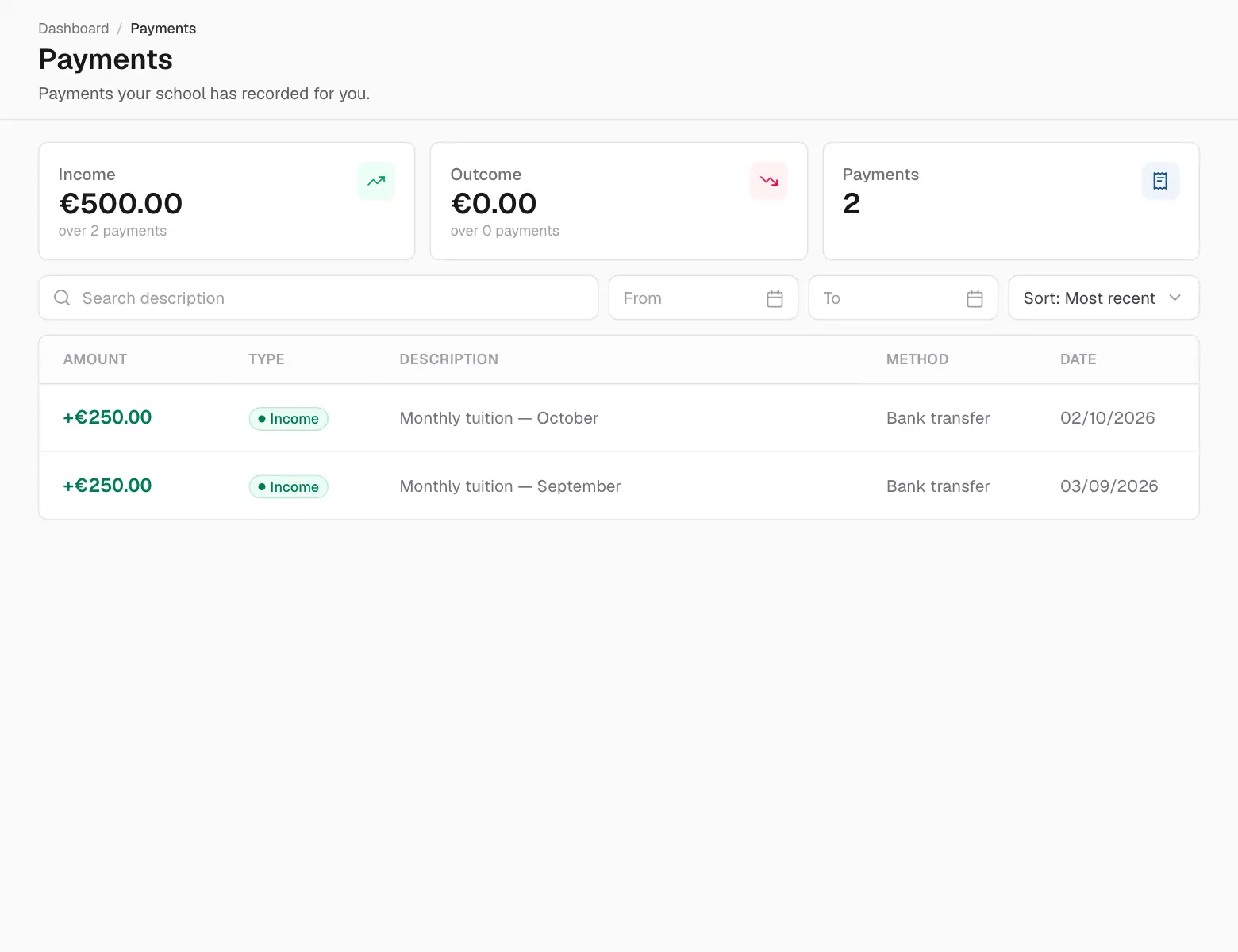
Payments lists the payments the school has recorded in your name (or your children's) — fees paid, dates and methods.
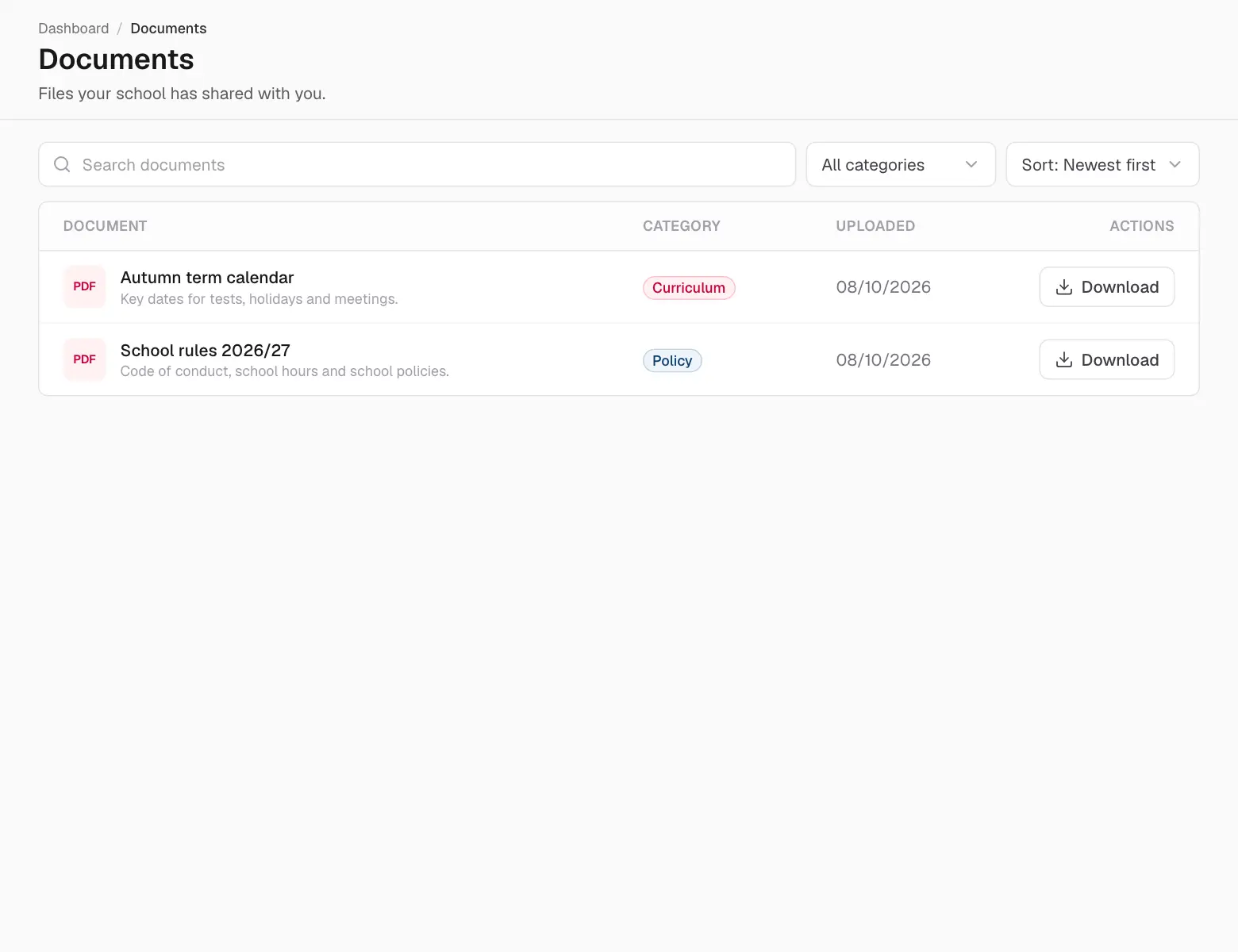
Documents holds the files your school and teachers have shared with you — rules, forms, newsletters. Click a document to open or download it.
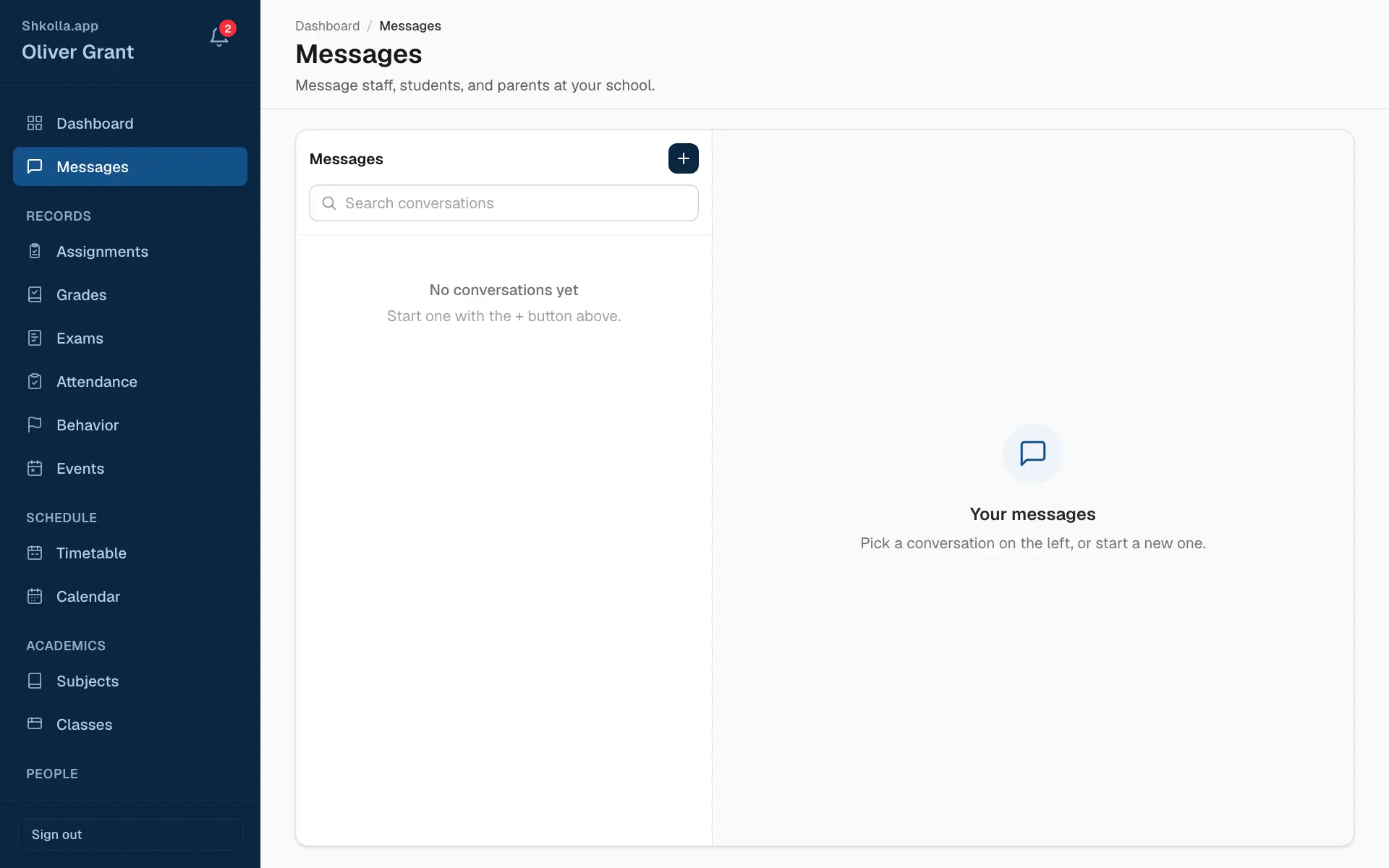
Messages is a private chat for your school community.
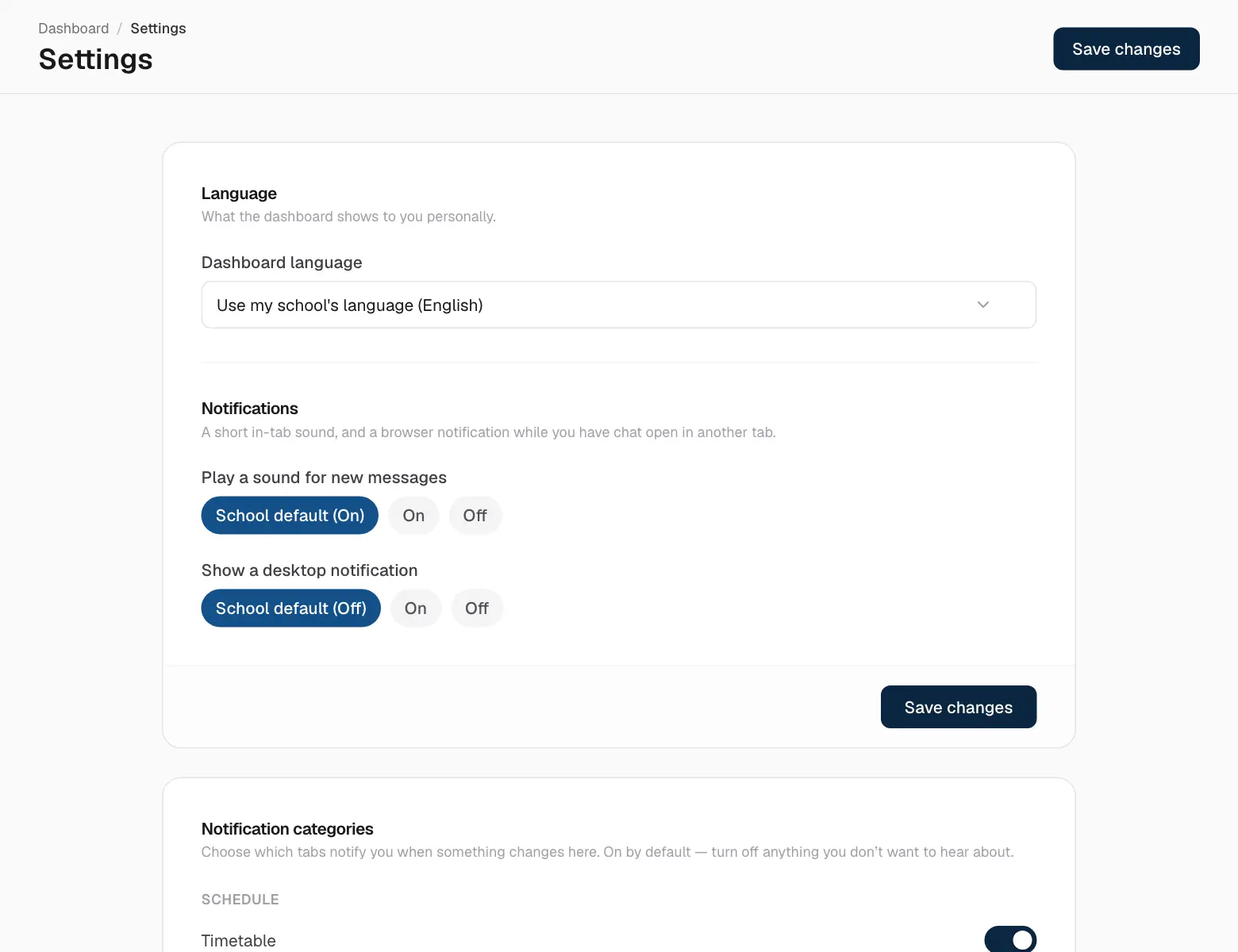
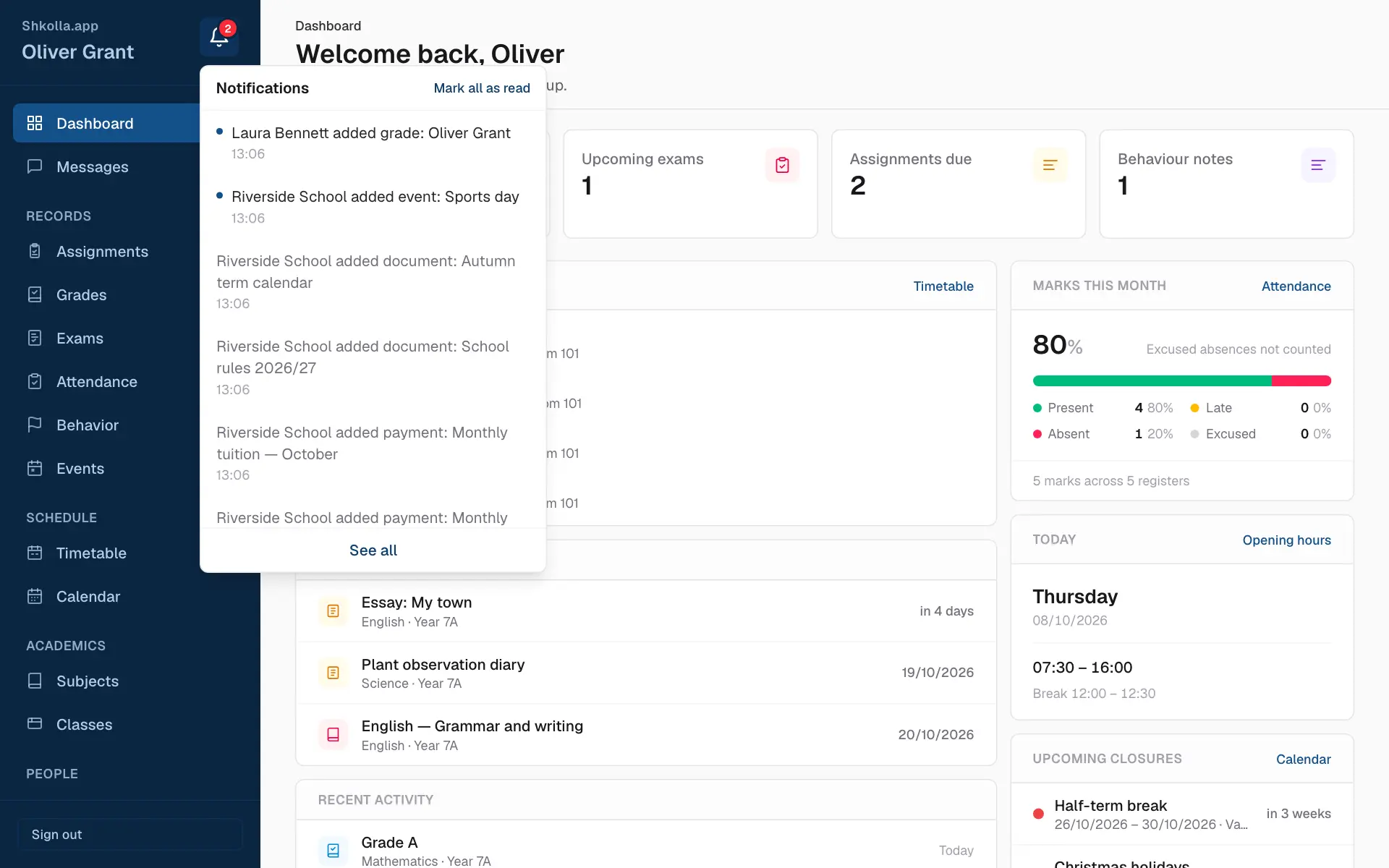
The bell at the top of the sidebar tells you when something new happens — a grade, an assignment, an event, a leave request…
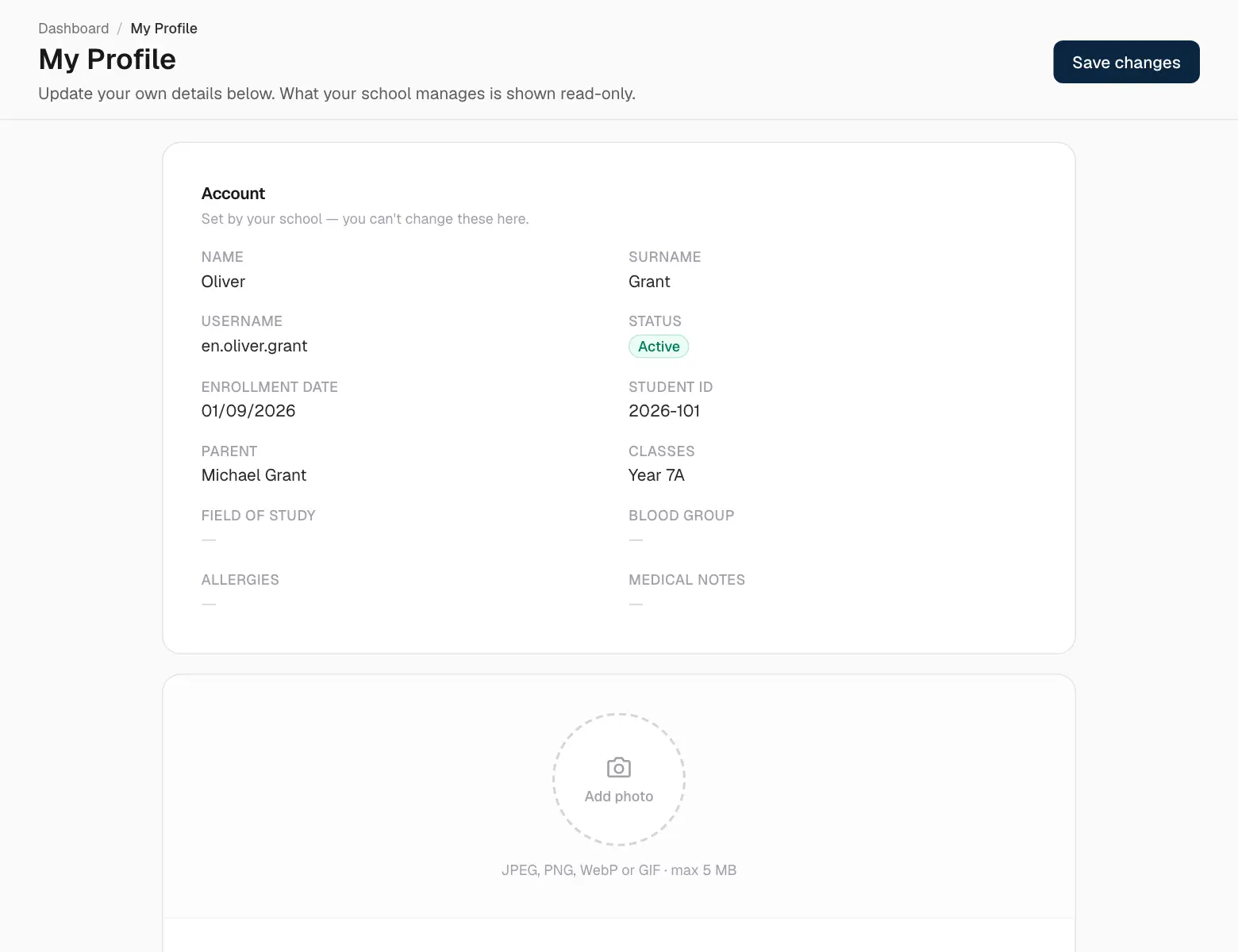
Profile is your own record. Add a photo and keep your email, phone, birthday, nationality, address and short bio up to date. Your name, username and school details are managed by the school — ask the office if something's wrong.